
-E-Sim-Product-Desciption.png?w=1000&h=1000)
sim-auto-activation-traverr-sim.png?w=1000&h=1000)
sim-auto-activation-traverr-sim-(2).png?w=1000&h=1000)
sim-auto-activation-traverr-sim-(3).png?w=1000&h=1000)

.png?w=1000&h=1000)
.png?w=1000&h=1000)
.png?w=1000&h=1000)
.png?w=1000&h=1000)
_128x.png?w=1000&h=1000)
_128x.png?w=1000&h=1000)
_128x.png?w=1000&h=1000)
_128x.png?w=1000&h=1000)
🔥🔥🔥 NEW 🔥🔥🔥
TraverrSmart AI™ — Automatically switches to the strongest network (KDDI or SoftBank) ⚡ depend on your area for the fastest data.
———— NETWORK PROVIDER ————
🛜 Network Provider : KDDI / Softbank
🔥 TraverrSmart AI™ — Smartly switches between KDDI and SoftBank depending on your location.
———— ACTIVATION ————
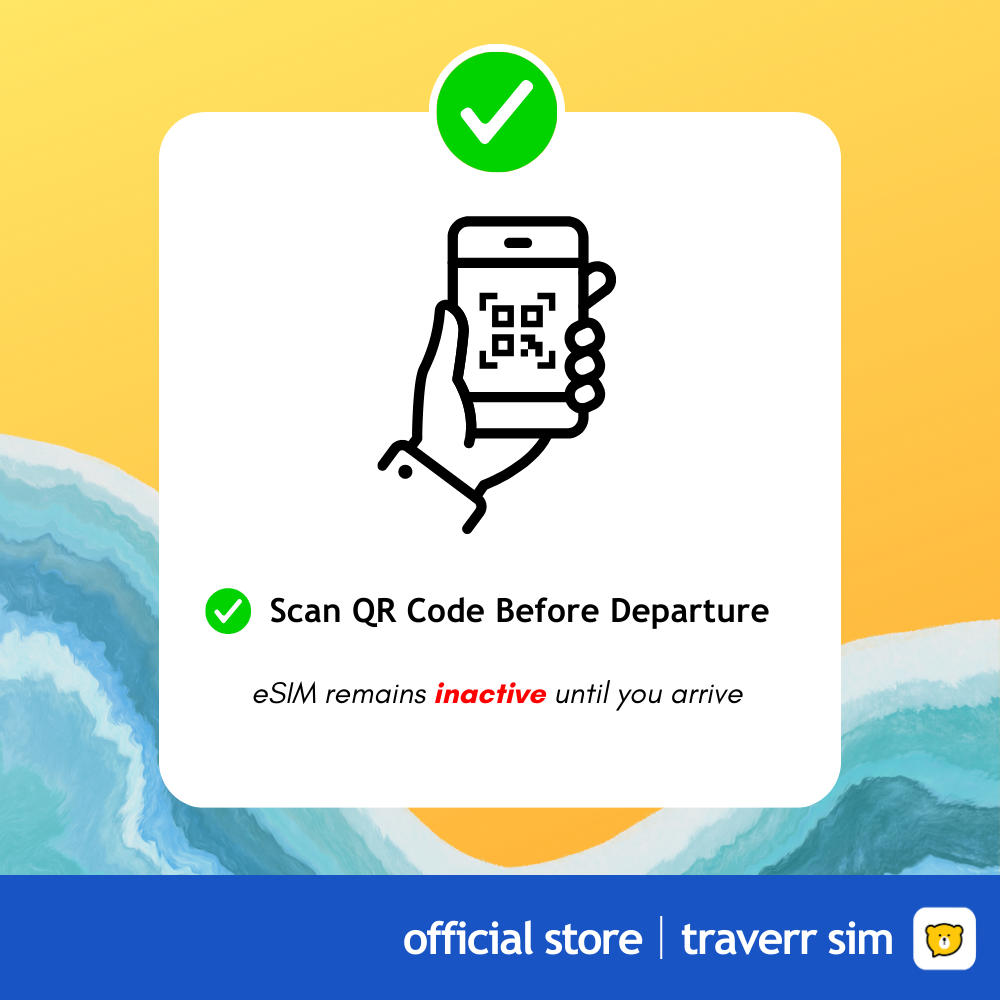
⭐️ Scan QR : Internet Required
⭐️ 1st Day Calculation : After arrival
⭐️ 2nd Day Calculation: After 24 hours
⭐️ Scan QR before departure : The package will remain inactive until it connects to a supported network after arrival.
———— AFTER ARRIVAL————
1️⃣ Turn Off Airplane Mode
2️⃣ Turn ON only our eSIM
3️⃣ Settings > Select our eSIM as your mobile data
4️⃣ Settings > Choose our eSIM & turn ON roaming
⚠️ Do not use 2 Lines - This will affect the Signal & Performance
———— EXPIRY DATE ————
📅Use the QR within 60 Days (after received email from us)
———— NETWORK PROVIDER ————
🛜 Network Provider : KDDI / Softbank
🔥 TraverrSmart AI™ — Smartly connects to KDDI or SoftBank, depending on your location.
———— SPECIFICATIONS ————
📶 Max Speed: 4G / 5G 🔥
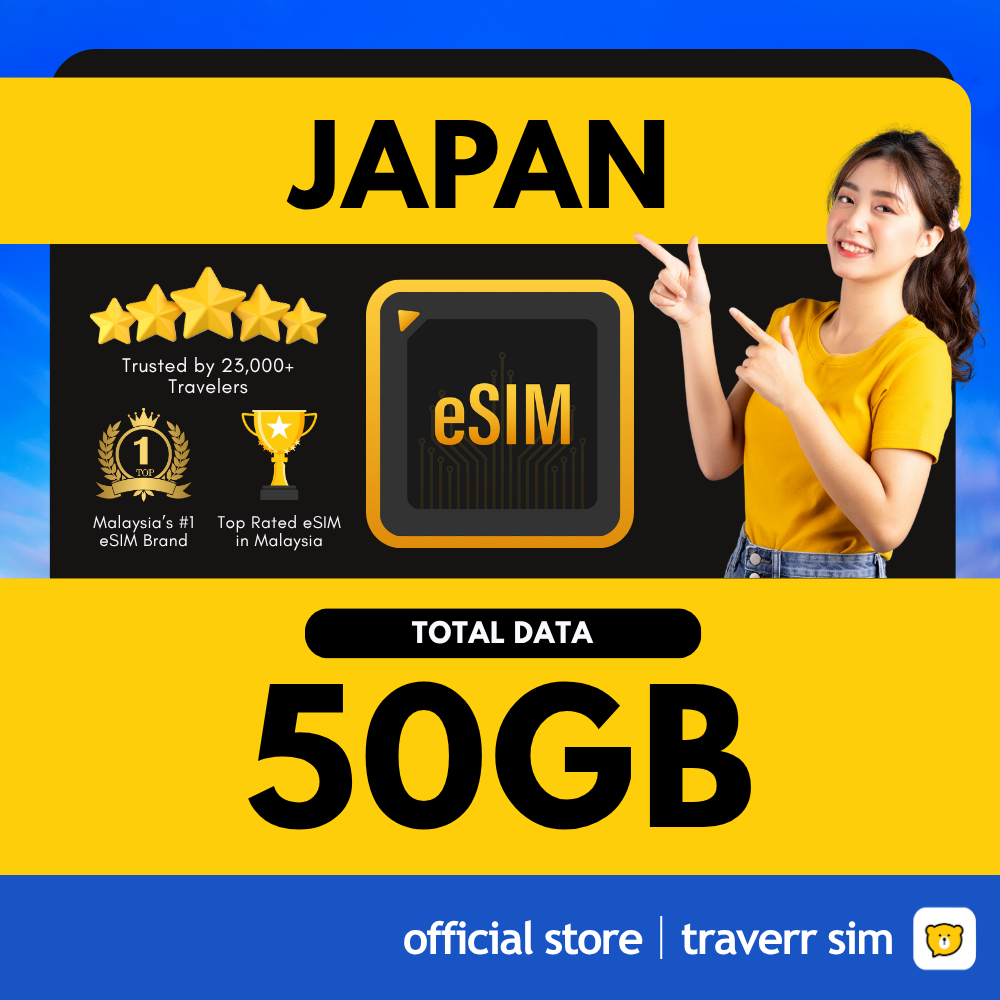
📶 Data Type: ✅ Total amount of Data ❌ No Daily Limit
📶 After the Data is Used Up : Auto Cut Off
📶 Perfect for: Navigating, sharing, texting, browsing, and using social media (XHS, IG, FB, Twitter)
———— FEATURES ————
✅ Call: Internet calls only
✅ Hotspot Sharing: No limit
✅ Coverage: All part of the Country
✅ Works with all apps except T1k T0k
———— RESTRICTIONS ————
❌ Cannot Top Up
❌ No Phone Number
❌ Not supported : T1k T0k
❌ QR Code: Cannot be transferred to another phone after installation