How to use your phone internationally without charges
Short answer
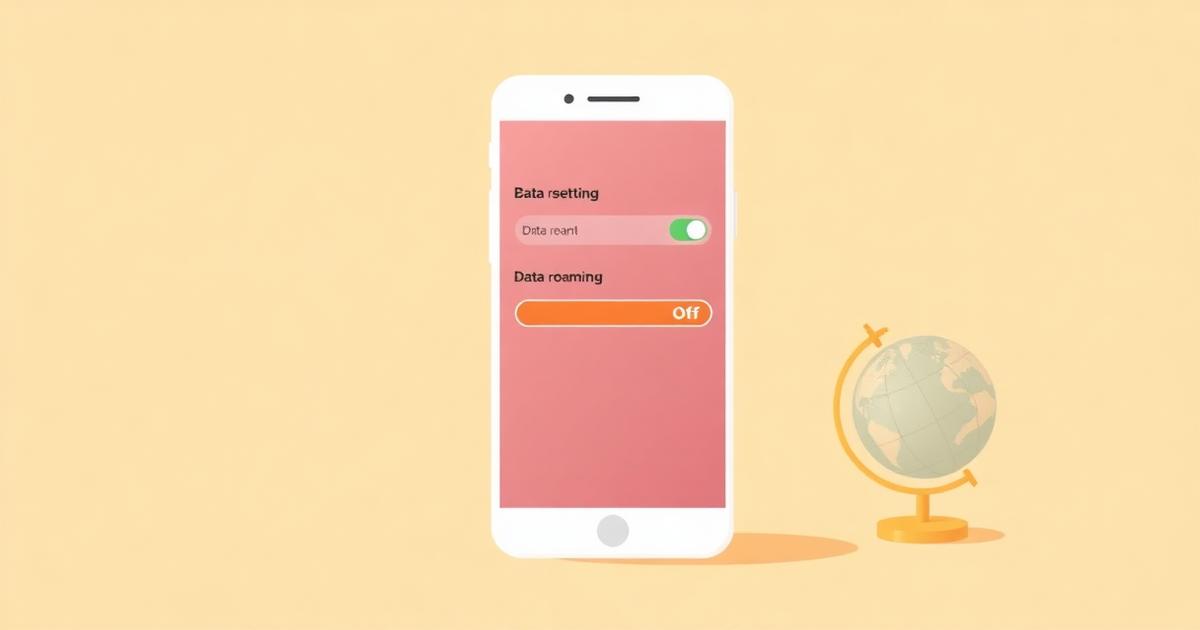
Yes, you can use your phone abroad without carrier roaming charges. Turn data roaming off on your home line so it can never bill you, keep that line active only for calls and SMS one-time passcodes, and run all data through a travel eSIM bought at a fixed price before you fly.
Check it yourself: after landing, open Settings > Cellular / Mobile network. Your home line should show 'Data Roaming: Off' and the travel eSIM should be set as the Cellular Data line. If your home line is not the data line, it cannot generate roaming data charges.
Where roaming charges actually come from
- Roaming data — the expensive one. Billed per MB or as a daily pass by your home carrier.
- Outgoing calls and SMS made while abroad — billed per minute or per message.
- Incoming calls while abroad — many carriers charge you to receive them.
- Background app refresh — email, photo backup, and app updates can burn data before you unlock the phone.
The setup that avoids all of it
- 1
Buy and install a travel eSIM before you fly
Install it at home over Wi-Fi. The profile stays dormant and only activates when it finds a network at your destination.
- 2
Turn data roaming off on your home line
iPhone: Settings > Cellular > your home line > Data Roaming (off). Android: Settings > Network & internet > SIMs > your home line > Roaming (off).
- 3
Set the travel eSIM as your data line
iPhone: Settings > Cellular > Cellular Data > pick the travel eSIM. Turn 'Allow Cellular Data Switching' off so it can never fall back to your home line.
- 4
Keep the home line switched on for SMS only
Banking one-time passcodes still arrive on your own number. Receiving an SMS is normally free or a few cents; receiving data is what costs money.
- 5
Call over data, not over the network
Use WhatsApp, FaceTime, Telegram, or Google Meet. These run on the travel eSIM's data and cost nothing extra.
What it costs versus roaming
Home-carrier roaming is usually sold as a daily pass or a per-MB rate, and speeds are often throttled after a small daily cap. A travel eSIM is a single upfront price for a fixed data allowance on a local network at full local speed. For a one-week trip with maps, messaging, and light streaming, 3-5 GB is typically enough — see our data-size guide below.
The mistakes that still create a bill
- Leaving 'Allow Cellular Data Switching' on (iPhone) — the phone quietly falls back to your roaming line when the eSIM signal dips.
- Turning the home line's roaming on 'just to check something' and forgetting to turn it back off.
- Automatic iCloud or Google Photos backup on cellular. Set backups to Wi-Fi only.
- Making regular voice calls out of habit instead of calling through a messaging app.
Frequently asked questions
- Can I use my phone abroad without paying roaming charges?
- YesWith data roaming disabled on your home line and all data running through a travel eSIM, your home carrier has no billable data session to charge for. You can confirm this in Settings, where your home line shows Data Roaming: Off while the eSIM carries the data.
- Will I still receive my bank OTP SMS if I use a travel eSIM?
- Yesas long as your home SIM or eSIM stays switched on. SMS arrives over the voice network, not over data, so it is unaffected by turning data roaming off. Most carriers do not charge to receive an SMS abroad, though a few charge a small fee — check your carrier's roaming page before you fly.
- Do I need to remove my physical SIM card?
- NoModern phones run one physical SIM and one eSIM at the same time. Keep the physical SIM in for your number, and let the eSIM handle data. Removing it would mean losing your OTPs and calls.
- Is airplane mode enough to avoid charges?
- NoAirplane mode blocks everything, including your travel eSIM's data and your incoming OTPs, so it is not a usable travel setup. Switching data roaming off on the home line is the precise control you want — it blocks the billable part and leaves the rest working.
Related answers
Popular eSIM destinations
Data plans, local networks and prices for the countries travellers ask about most.
Last updated 2026-08-15