eSIM QR code activation: how it works, step by step
Short answer
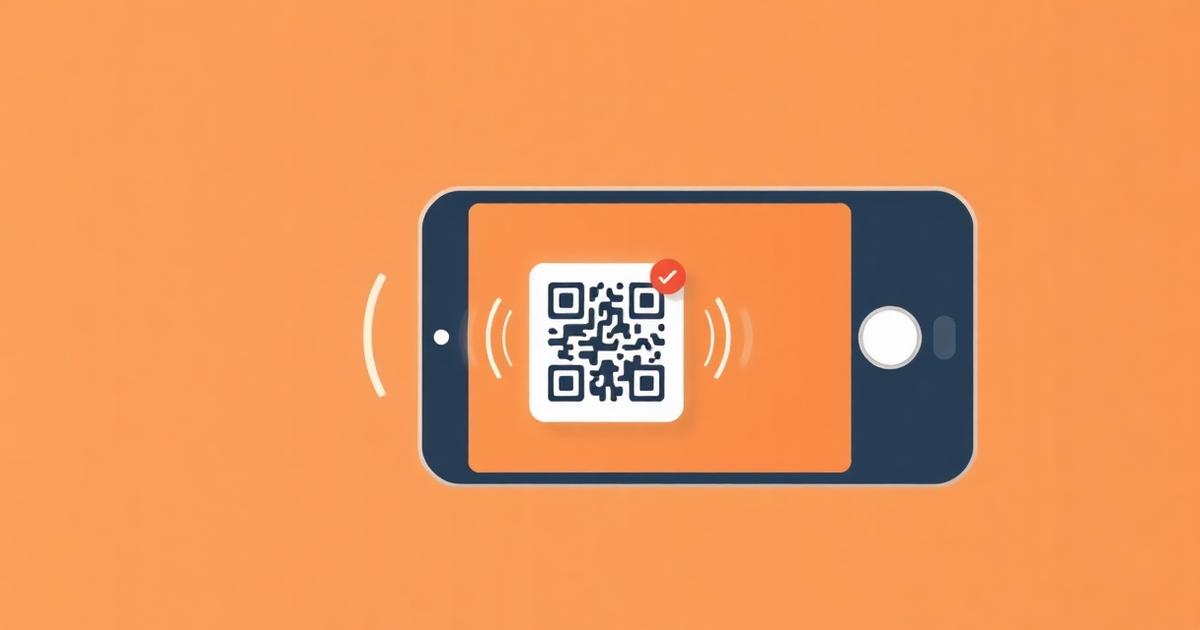
An eSIM QR code is not a link — it encodes an SM-DP+ server address and a one-time activation code. Scanning it tells your phone to download that specific profile from the operator, which is why a code normally works only once and cannot be reused on a second device.
Check it yourself: a valid eSIM QR decodes to text starting with LPA:1$ followed by a server address and an activation code. Any QR reader will show you this string — if it shows a website URL instead, it is not an eSIM profile.
Activate on iPhone
- 1
Open Settings > Cellular (or Mobile Data)
Then tap Add eSIM.
- 2
Choose Use QR Code
Point the camera at the code, or tap Enter Details Manually to type the SM-DP+ address and activation code.
- 3
Label the plan
Name it 'Travel' so you can tell it apart from your home line at a glance.
- 4
Set your default line
Keep your home number as the default voice line, and set the travel eSIM as the cellular data line.
- 5
Turn Data Roaming on for the travel line only
Required for the eSIM to connect to a local partner network abroad.
Activate on Android
- 1
Open Settings > Network & internet > SIMs
Tap Add eSIM or Download a SIM instead. Wording varies by manufacturer.
- 2
Scan the QR code
Or choose 'Need help?' then 'Enter it manually' to type the activation code.
- 3
Confirm the download
The phone contacts the operator's SM-DP+ server and writes the profile.
- 4
Set mobile data to the new eSIM and enable roaming on it
On Samsung this is Settings > Connections > SIM manager.
When scanning fails
- No internet — the phone must reach the SM-DP+ server. Connect to Wi-Fi and retry.
- 'Unable to add cellular plan' — usually means the profile has already been downloaded once. Ask the provider to reissue.
- Carrier-locked phone — a locked device rejects other operators' profiles. Ask your carrier to unlock it.
- Screen glare or a small image — use manual entry instead. The result is identical.
- Wrong region — a few operator profiles refuse to download outside the destination country.
Why one code equals one install
The activation code is a single-use credential for one profile on the operator's provisioning server. Once it has been consumed, the server will not serve it again, which is what stops the same paid plan being cloned onto several phones. If you delete the profile from your phone, it is normally gone for good — never delete a working travel eSIM mid-trip.
Frequently asked questions
- Can I use the same eSIM QR code on two phones?
- NoThe activation code is consumed by the first successful download, and the provisioning server refuses further attempts. Moving a plan to another phone requires the provider to reissue a profile.
- Do I need internet to scan an eSIM QR code?
- YesScanning only reads the code; your phone still has to download the profile from the operator's server, which requires Wi-Fi or an existing data connection.
- Can I install an eSIM by typing the code instead of scanning?
- YesBoth iOS and Android accept manual entry of the SM-DP+ address and activation code, which is the exact data the QR image encodes.
- Will deleting the eSIM profile let me reinstall it later?
- Noin most cases. Deleting removes the only copy of the profile from your device and the activation code has already been used. Treat deletion as permanent and contact support before removing anything.
Related answers
Popular eSIM destinations
Data plans, local networks and prices for the countries travellers ask about most.
Last updated 2026-08-15