How to add an eSIM to your iPhone
Short answer
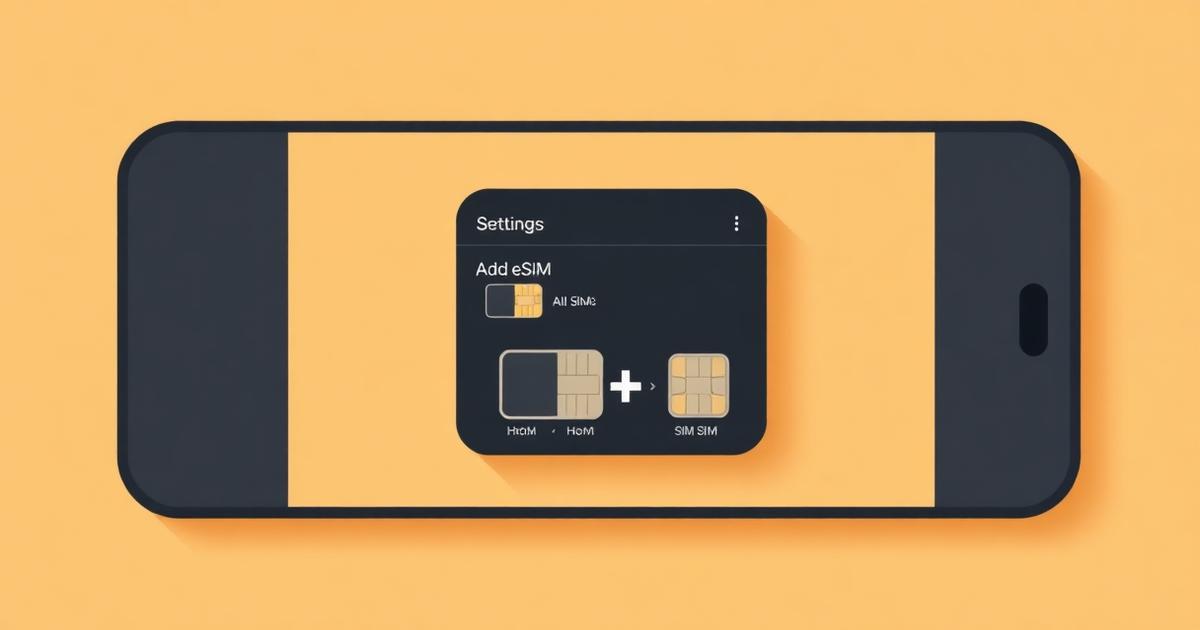
Every iPhone from the iPhone XS and XR onwards supports eSIM. Go to Settings > Cellular > Add eSIM, scan your QR code or enter the details manually, label the plan, then set it as your cellular data line while keeping your home number for calls and texts.
Check it yourself: if Settings > Cellular shows an 'Add eSIM' row, your iPhone supports eSIM and is not carrier-locked out of the feature.
Which iPhones support eSIM
- iPhone XS, XS Max, XR and every model after them support eSIM alongside a physical SIM.
- iPhone 14 and later sold in the United States have no SIM tray at all and are eSIM-only.
- iPhone models sold in mainland China use dual physical SIM instead and do not offer eSIM.
- The phone must be carrier-unlocked to accept another operator's profile.
Step by step
- 1
Connect to Wi-Fi
The profile downloads over the internet.
- 2
Open Settings > Cellular
Tap Add eSIM.
- 3
Scan the QR code
Or tap Enter Details Manually and type the SM-DP+ address and activation code.
- 4
Label the line 'Travel'
Clear labels prevent you from sending data over the wrong line later.
- 5
Keep your home line as Default Voice Line
Your calls and bank OTPs keep arriving on your own number.
- 6
Set Cellular Data to the travel eSIM and turn off Cellular Data Switching
This stops the iPhone silently falling back to your home line and generating roaming charges.
- 7
On arrival, turn Data Roaming on for the travel line only
Settings > Cellular > travel line > Data Roaming.
iMessage, WhatsApp and your apps
Your Apple ID, iMessage, and WhatsApp stay tied to your existing phone number, not to the travel eSIM. Adding a data-only eSIM does not log you out of anything and does not change your number in group chats. Under Settings > Messages > iMessage & FaceTime, make sure your home number remains selected.
If Add eSIM is missing or greyed out
- Update to the latest iOS version, then check again.
- Confirm the iPhone is carrier-unlocked — Settings > General > About > Carrier Lock should read 'No SIM restrictions'.
- iPhones bought in mainland China do not have the feature at all.
Frequently asked questions
- Does my iPhone support eSIM?
- Yesif it is an iPhone XS, XR, or newer. You can confirm in one tap: Settings > General > About shows an 'Available SIM' or EID entry, and Settings > Cellular shows 'Add eSIM' on supported models.
- Do I lose my normal phone number when I add a travel eSIM?
- NoThe travel eSIM is an additional data line. Your physical SIM or primary eSIM stays active for calls and SMS, and iMessage remains attached to that number.
- Can a carrier-locked iPhone use a travel eSIM?
- NoA locked iPhone rejects profiles from other operators. Check Settings > General > About > Carrier Lock; if it does not say 'No SIM restrictions', ask your carrier to unlock the device first.
- Can I add the eSIM while I am already abroad?
- Yesas long as you have Wi-Fi to download the profile. Installing before you fly is still safer, because airport Wi-Fi frequently blocks the connection needed to fetch a profile.
Related answers
Popular eSIM destinations
Data plans, local networks and prices for the countries travellers ask about most.
Last updated 2026-08-15